
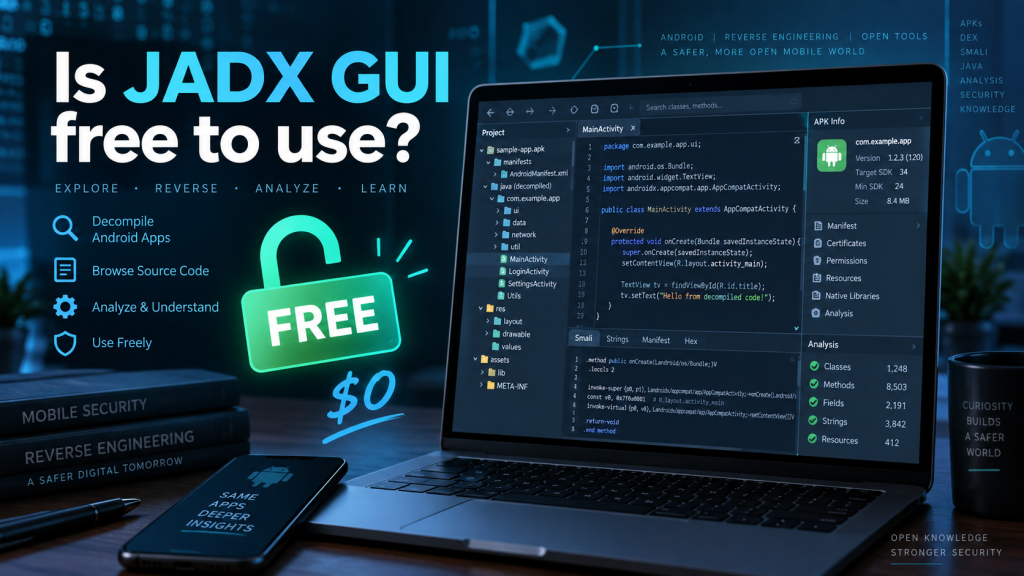
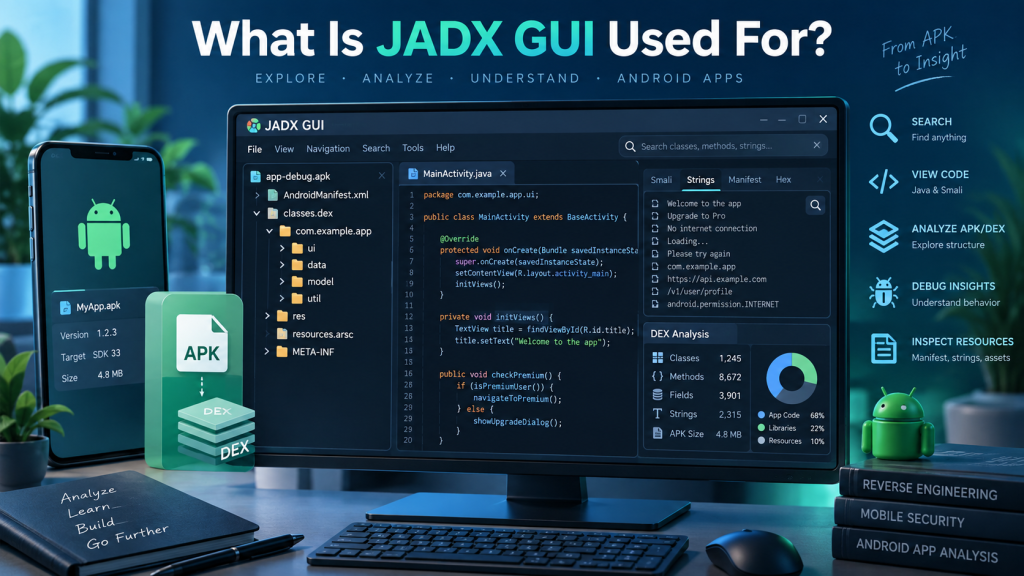
JADX GUI is a popular graphical tool used for viewing and analyzing decompiled Android applications. Developers, security researchers, students, and Android enthusiasts often use it to inspect APK, DEX, AAB, and related files in a readable format.
One major reason for its popularity is accessibility. JADX GUI is available as an open-source project, making it convenient for users who need Android decompilation tools without purchasing expensive software. Its official repository also provides source code, releases, documentation, and installation information.
Read More: How Do I Download JADX GUI?
Is JADX GUI Completely Free?
Yes, JADX GUI is free to download and use. The JADX project is open-source software distributed under the Apache License 2.0, allowing users to use, modify, and distribute the software according to the license terms.
Users do not need to purchase a subscription, activate a premium account, or pay recurring fees for standard JADX GUI functionality.
JADX GUI provides useful features such as:
- Android APK and DEX decompilation
- Decompiled Java source code viewing
- Syntax highlighting
- Full-text search
- Jump-to-declaration functionality
- Usage searching
- Android resource decoding
- Built-in deobfuscation features
The official JADX documentation confirms that the GUI is included alongside the command-line version of the project.
What Can You Do With JADX GUI?
JADX GUI converts Android Dalvik bytecode into Java-like source code that is easier to inspect. It can also decode Android resources, including the AndroidManifest.xml file and resource information.
Common uses include application debugging, software research, security analysis, educational projects, and understanding Android application structures.
However, decompiled source code may not always perfectly match the application’s original source code. The official JADX project warns that complete decompilation cannot always be guaranteed and errors may appear in some applications.
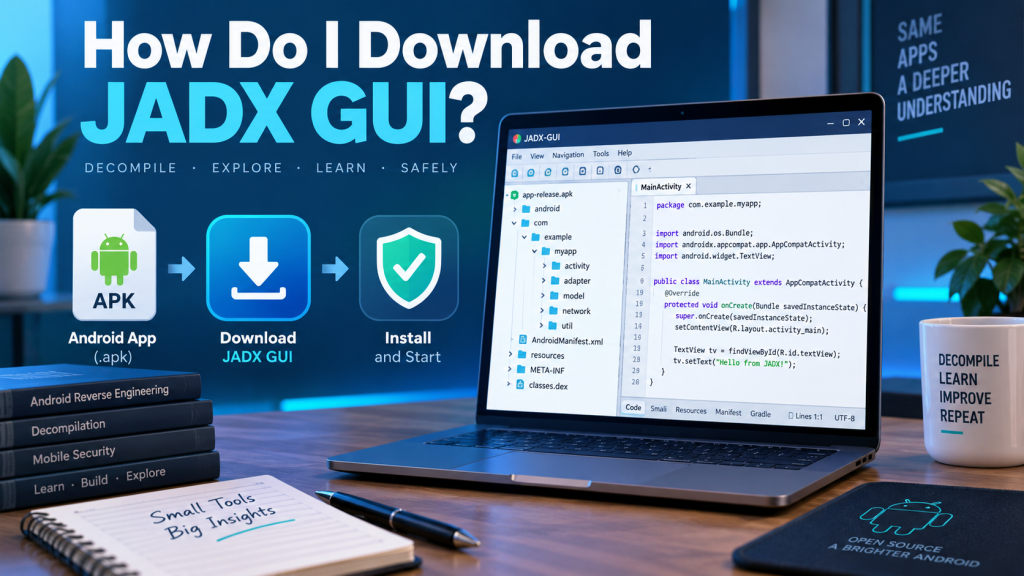
How to Download JADX GUI for Free
The safest approach is downloading JADX from its official GitHub project rather than relying on unknown third-party download websites.
Follow these basic steps:
- Visit the official JADX GitHub repository and open its releases section.
- Choose a suitable stable release for your system.
- Download the appropriate JADX package.
- Extract the downloaded archive into a folder.
- Open the extracted folder and locate the
bindirectory. - Run
jadx-guior the appropriate Windows batch file to start the graphical interface.
Official documentation states that Windows users can launch JADX GUI using its .bat file after extracting the package.
Does JADX GUI Require a Paid License?
JADX GUI does not require a commercial license for ordinary usage under its open-source licensing terms.
You can generally:
- Download and use JADX without subscription charges
- Access its publicly available source code
- Study how the program works
- Modify source code according to license requirements
- Build your own version from source
- Contribute improvements to the project
Users planning to redistribute modified versions or integrate JADX into commercial projects should still review the Apache License 2.0 requirements carefully.
JADX GUI System Requirements
JADX GUI runs on major desktop operating systems where its required Java environment is supported.
Current official documentation recommends a 64-bit Java 11 or later installation for running downloaded builds. Building JADX directly from source requires JDK 17 or newer according to the project’s current instructions.
Having sufficient RAM and processing power can also improve performance when analyzing large APK files.
Is JADX GUI Safe to Use?
JADX GUI itself is generally considered safe when obtained from the official project repository or trusted package sources.
Problems are more likely to arise when users download modified installers from unofficial websites. Third-party packages could potentially contain unwanted software or malicious modifications.
Downloading releases directly from the official JADX repository reduces these risks considerably.
Can JADX GUI Be Used for Commercial Work?
The Apache 2.0 license generally permits commercial use, modification, and redistribution under its conditions.
However, using JADX to examine an application does not automatically give someone permission to copy, redistribute, modify, or reuse another developer’s copyrighted software.
Developers and researchers should ensure that their activities comply with applicable software licenses, copyright laws, company policies, and authorization requirements.
Why Developers Choose JADX GUI
JADX GUI combines a convenient graphical interface with powerful Android analysis capabilities. Users can browse packages, inspect methods, search through source code, examine resources, and navigate application structures without depending entirely on command-line commands.
Because the project remains openly available, developers can also inspect its source code, contribute fixes, report problems, and follow ongoing development.
Conclusion
JADX GUI is free and open-source software designed for decompiling and examining Android application files. It provides powerful features without requiring subscriptions or premium payments.
Downloading JADX GUI from its official repository provides the safest and most reliable experience. Although the tool itself is free, users should always respect copyright, software licensing, and authorization requirements when analyzing applications they do not own.
Pingback: How Do I Install JADX GUI on Windows?