
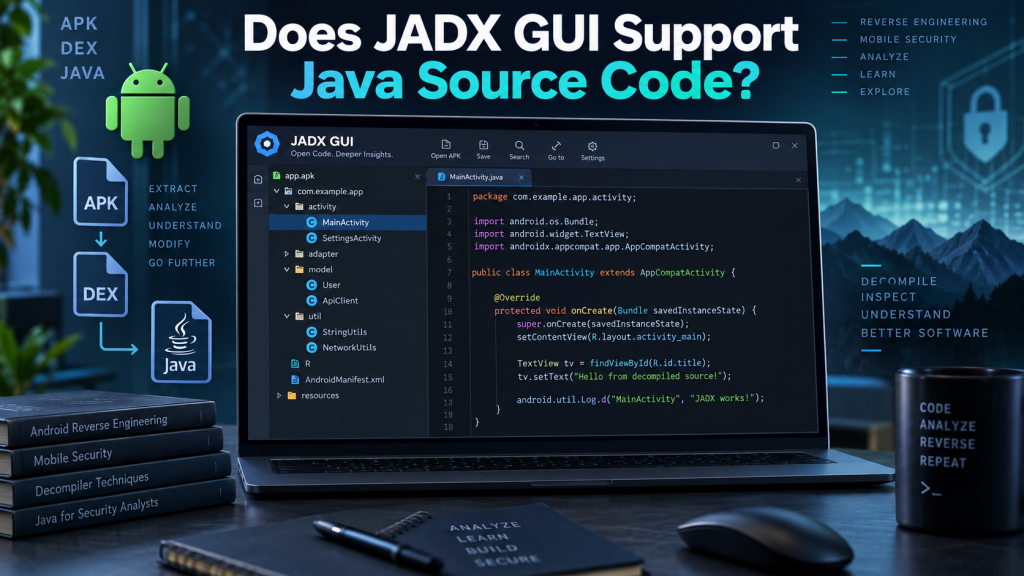
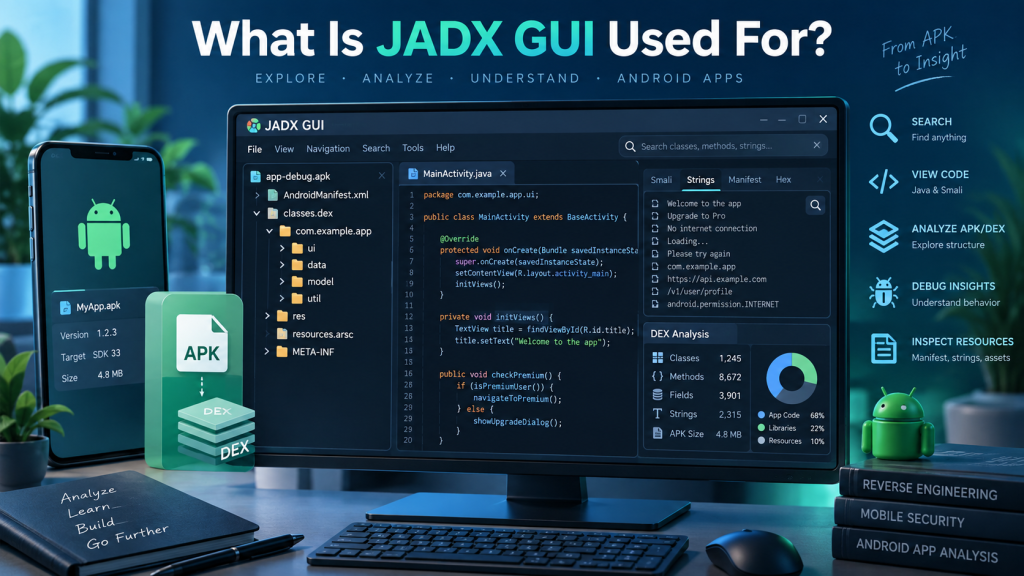
JADX GUI is a popular graphical tool designed for examining Android applications and converting compiled Android code into readable source code. Developers, security researchers, application testers, and learners commonly use it when they need to understand how an APK or DEX file works internally.
A common question is whether JADX GUI supports Java source code. JADX GUI can display Java-like source code generated through decompilation, but it is not designed to function as a traditional Java source-code editor or development environment. Understanding this difference helps users choose the right tool for Android reverse engineering and Java development.
Read More: Can JADX GUI Decompile APK Files?
Does JADX GUI Support Java Code?
Yes, JADX GUI supports viewing Java-style source code produced from compiled Android applications. When an APK, DEX, JAR, or compatible compiled file is opened, JADX attempts to reconstruct the original program structure and presents the result in readable Java syntax.
However, this displayed code is decompiled Java code. It may closely resemble the original source, but it is not always identical to the Java files written by the original developer.
JADX GUI mainly focuses on code inspection, navigation, searching, and reverse engineering rather than normal Java application development.
How JADX GUI Converts Compiled Code Into Java
Android applications generally contain compiled bytecode rather than their original .java source files. JADX analyzes that compiled code and attempts to recreate understandable Java representations.
The basic process works like this:
- Open a supported APK, DEX, JAR, or related file in JADX GUI.
- JADX analyzes classes, methods, variables, and application structures.
- Compiled instructions are converted into readable Java-like code.
- Decompiled classes appear inside the graphical interface.
- Users can browse packages, methods, fields, resources, and references.
This process makes complicated compiled applications much easier to study without manually reading low-level bytecode.
Java Source Code Features Available in JADX GUI
JADX GUI provides several useful features for exploring reconstructed Java code.
Users can commonly:
- Browse classes, packages, methods, and fields.
- Search text, classes, methods, or references.
- Navigate between related methods and classes.
- Inspect application resources alongside source code.
- Copy or export decompiled Java code for further analysis.
These capabilities make JADX particularly useful when investigating how Android applications implement specific features.
Can JADX GUI Open Normal .java Files?
JADX GUI should not be considered a normal Java source-code editor. Its primary purpose is decompilation rather than opening and developing standalone .java projects.
If you already have original Java source files, an integrated development environment such as IntelliJ IDEA, Eclipse, or Android Studio is usually a better choice. These tools provide compilation, debugging, project management, dependency handling, refactoring, and development features that JADX does not attempt to replace.
JADX becomes valuable when original source code is unavailable and only compiled application files remain.
Decompiled Java vs Original Java Source Code
The Java code displayed by JADX may look extremely similar to normal source code, but some important differences can exist.
Possible differences include:
- Variable names may be changed, shortened, or unclear after obfuscation.
- Decompiled control structures may differ from original developer code.
- Comments from original source files are generally unavailable.
- Some complex methods may not decompile perfectly.
- Obfuscated applications can produce difficult-to-read class and method names.
- Certain compiler optimizations can make reconstructed code less accurate.
Therefore, decompiled Java should be treated as a reconstruction of compiled behavior rather than a guaranteed copy of the original source.
Does JADX GUI Allow Java Code Editing?
JADX GUI is primarily intended for analysis rather than full source-code editing. You can inspect and work with decompiled information, but it does not provide the complete coding environment expected from a professional Java IDE.
Users wanting to modify an Android application usually need additional tools for rebuilding, signing, testing, or modifying application resources and bytecode.
For ordinary Java programming, dedicated development environments remain much more practical.
JADX GUI Support for Android Applications
JADX is especially useful because Android applications commonly contain DEX bytecode. Instead of forcing users to manually interpret those instructions, JADX reconstructs higher-level Java representations.
This capability can help developers investigate application behavior, examine third-party libraries, understand legacy applications, identify implementation details, or study Android programming techniques.
Security professionals may also use JADX during authorized application assessments to understand code paths and identify potential security weaknesses.
What Happens When Code Is Obfuscated?
Android developers sometimes use tools that rename classes, methods, and variables to make reverse engineering harder. This process is known as code obfuscation.
JADX can still attempt to decompile such applications, but the resulting Java code may contain names such as a, b, or c rather than meaningful identifiers.
The program logic may still be visible, although understanding the application can require significantly more analysis. JADX provides navigation and search capabilities that can make this process easier.
Can Decompiled JADX Code Be Compiled Again?
Decompiled Java code should not automatically be expected to compile without modification. Because JADX reconstructs source from compiled bytecode, some information needed for a clean rebuild may be missing or represented differently.
Compilation problems can involve missing dependencies, incorrect reconstructed expressions, unavailable resources, generated classes, obfuscated components, or Android-specific project configuration.
If rebuilding an application is required, users often need to manually organize and correct the exported source within a suitable development environment.
JADX GUI vs Java IDE
JADX GUI and Java IDEs serve different purposes.
JADX GUI focuses mainly on inspecting compiled code and recovering readable source representations. Android Studio, IntelliJ IDEA, and Eclipse focus on creating, editing, compiling, debugging, and maintaining software projects.
Someone possessing the original Java project normally does not need JADX for everyday development. Someone possessing only an APK or DEX file may find JADX extremely useful for understanding its internal code.
Is Decompiled Java Code Accurate?
JADX can often generate highly readable results, especially when applications are not heavily obfuscated. Simple classes and methods may closely resemble the original Java implementation.
Accuracy can decrease when applications contain advanced compiler transformations, unusual bytecode, aggressive obfuscation, generated code, or features that are difficult to represent cleanly in Java.
Users should therefore verify important findings against application behavior or lower-level bytecode when precise analysis is necessary.
Is JADX GUI Useful for Java Developers?
JADX can be valuable for Java and Android developers even though it is not a standard coding environment. It can help developers study compiled applications, understand library behavior, troubleshoot software, examine application architecture, and learn how certain Android components operate.
Its graphical interface also makes navigation easier than manually analyzing raw DEX instructions.
Conclusion
JADX GUI supports viewing Java-like source code generated from compiled Android and Java-related files, making it highly useful for application analysis and reverse engineering. However, it should not be confused with a full Java development environment.
Users who already have original .java source files should generally work with Android Studio, IntelliJ IDEA, Eclipse, or another Java IDE. JADX GUI is most useful when source code is unavailable and readable Java representations need to be recovered from compiled applications.
Pingback: How Do I Open an APK in JADX GUI?