
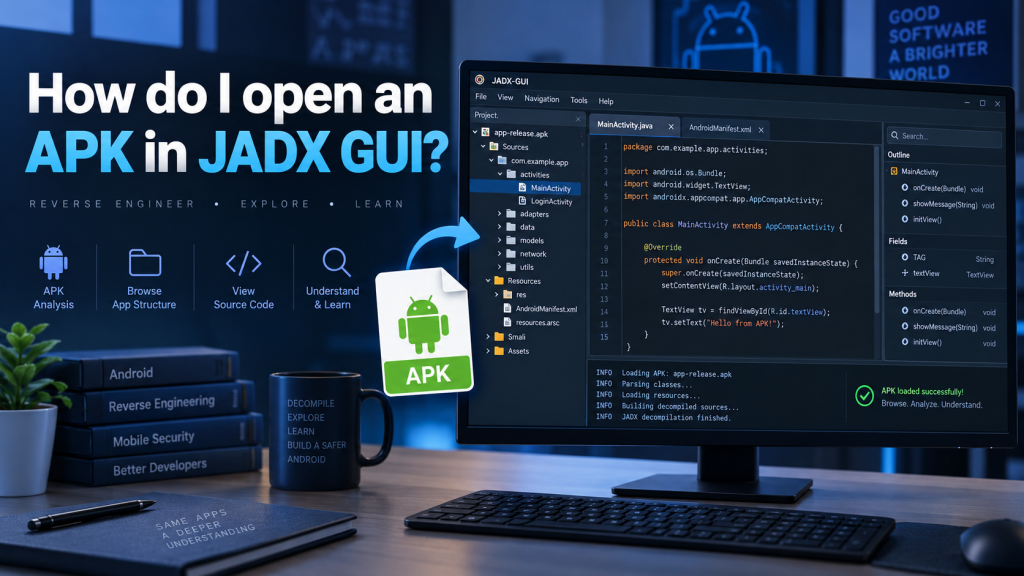
Opening an APK file in JADX GUI is a practical way to explore how an Android application is structured and understand its underlying code. JADX GUI is a graphical decompiler that converts Android DEX bytecode into readable Java-like source code. It is widely used by developers, researchers, students, and security professionals who need to inspect APK contents without manually working with command-line utilities.
The process is relatively straightforward because JADX GUI provides a clean desktop interface for loading and browsing Android packages. Once an APK is opened, users can explore classes, resources, manifest information, strings, and other application components from one window. Understanding the correct procedure helps prevent loading problems while making APK analysis faster, easier, and more organized.
Read More: Does JADX GUI Support Java Source Code?
What Is JADX GUI?
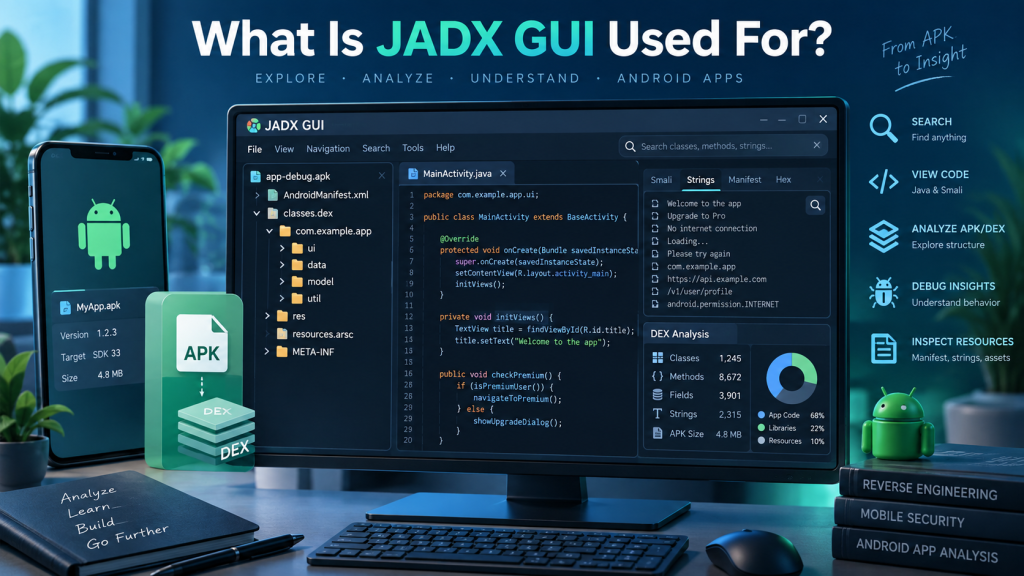
JADX GUI is the graphical version of JADX, an open-source tool designed to decompile Android APK and DEX files. Instead of displaying raw bytecode, the program attempts to reconstruct readable Java source code. This makes Android applications easier to study, especially for users who want to understand application logic, permissions, activities, services, or other internal components.
JADX GUI does not perfectly restore the application’s original source code because compilation removes or changes some original information. However, the reconstructed code is usually readable enough for analysis and educational purposes. Common information available through JADX GUI includes:
- Decompiled Java classes and methods
- AndroidManifest.xml information
- Application resources and XML files
- Strings, constants, and package structures
- References between classes and application components
Download and Prepare JADX GUI
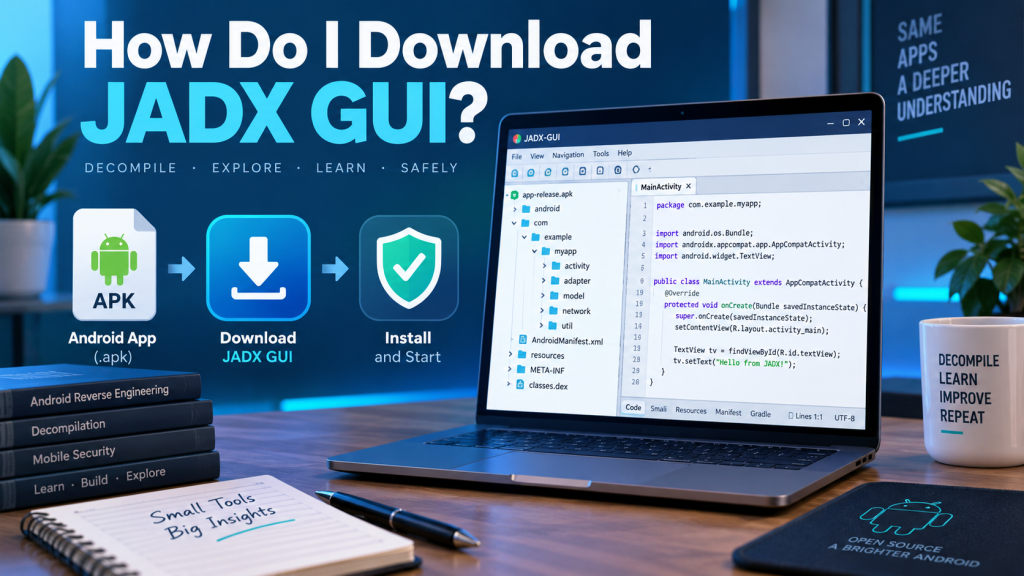
Before opening an APK, you need a working installation of JADX on your computer. JADX is generally distributed through its official GitHub project releases as downloadable archives. After downloading the appropriate release for your operating system, extract the archive into a convenient folder rather than attempting to run it directly from a compressed ZIP file.
Depending on the JADX version and operating system, you may also need a compatible Java environment. Newer JADX distributions may include components that simplify setup, but checking the requirements included with the particular release remains useful. Before proceeding, confirm that JADX GUI launches normally and displays its main interface without startup errors.
How Do I Open an APK in JADX GUI?
Launch JADX GUI using the appropriate executable or startup file included with the downloaded package. After the main window appears, select the option for opening a file. Navigate to the location where your APK is stored, select the APK, and confirm your choice. JADX will begin reading and decompiling the application’s internal DEX files automatically.
The basic process can be summarized as follows:
- Start JADX GUI on your Windows, Linux, or macOS computer.
- Click File and choose the option to open a file.
- Browse to the folder containing your APK.
- Select the required
.apkfile. - Click Open and allow JADX to process the application.
- Browse the resulting source code and resources from the project panel.
What Happens After the APK Opens?
After processing is completed, JADX GUI displays the APK’s structure in the navigation panel. You can expand packages and directories to locate individual Java classes, resources, and other components. Selecting a class opens the reconstructed source code in the main viewing area, allowing you to examine methods, variables, logic, and references contained inside that class.
The exact structure depends on how the Android application was developed and packaged. Some applications contain clearly named packages and classes, while others use code obfuscation that replaces meaningful names with short identifiers. Even when obfuscation is present, JADX can still reveal valuable structural information and allow users to search through classes, methods, resources, and strings.
Exploring APK Files Inside JADX GUI
One major advantage of JADX GUI is its searchable interface. Large Android applications may contain thousands of classes, making manual navigation difficult. The search functionality allows you to locate specific text, classes, methods, fields, or other references much faster. You can also move between related elements to understand how different sections of the application communicate with each other.
Important areas worth examining include:
- Source Code: Shows reconstructed Java-like classes and methods.
- Resources: Contains layouts, XML files, images, strings, and configuration data.
- AndroidManifest.xml: Provides application permissions, activities, services, receivers, and package information.
- Search Results: Helps locate keywords, URLs, methods, classes, and other references.
- Package Tree: Organizes classes according to the application’s package structure.
Can JADX GUI Open Every APK File?
JADX GUI can process many standard Android APK files, but successful decompilation is not guaranteed for every application. Some APKs contain highly obfuscated code, unusual bytecode structures, encrypted components, native libraries, or protection systems specifically designed to make reverse engineering difficult. In these situations, JADX may show incomplete code, warnings, or classes that cannot be reconstructed correctly.
An application may also contain native code written in languages such as C or C++, which is normally compiled into .so libraries. JADX is primarily designed for Dalvik and Android Runtime bytecode, so native libraries cannot be converted into Java source code in the same way. Additional reverse-engineering tools may be required when examining native application components.
What Should I Do If an APK Does Not Open?
If an APK fails to open, first confirm that the file is complete and actually uses the APK format. A corrupted or partially downloaded package can produce errors during analysis. Moving the file to a simple local directory and trying again may also help, especially when unusual folder permissions, extremely long file paths, or restricted locations interfere with file access.
You can also try several troubleshooting steps:
- Download or install the latest stable JADX release.
- Confirm that required Java components are properly installed.
- Test another APK to determine whether the problem is file-specific.
- Check JADX’s error messages for failed classes or unsupported instructions.
- Avoid using damaged, incomplete, or incorrectly renamed files.
- Obtain the APK only from sources you are authorized and permitted to analyze.
How to Read Decompiled Code Effectively
When viewing decompiled code, remember that what you see may differ significantly from the developer’s original project. Variable names, comments, formatting, and some structural information can disappear during compilation. Optimizations can also change control flow. Therefore, decompiled Java should be treated as a reconstruction rather than an exact copy of the application’s original source files.
Start your analysis with AndroidManifest.xml because it provides a useful overview of important application components. You can then identify the main activities, services, receivers, and permissions before following related classes. Using JADX’s search and navigation features makes it easier to trace method calls, locate important strings, and understand relationships between different sections of the application.
Is It Safe and Legal to Open APK Files in JADX GUI?
Opening an APK for legitimate development, education, troubleshooting, security research, or analysis can be useful, but you should consider applicable laws, licenses, contracts, and intellectual-property restrictions. Applications may contain copyrighted code or confidential information, and analyzing or redistributing another developer’s work without authorization can create legal or ethical concerns.
For safer APK analysis, work with applications you created yourself, open-source applications, intentionally provided training samples, or software you have permission to examine. Avoid executing suspicious APK files simply because you want to inspect them. Static analysis in JADX can reveal information without installing the application, although appropriate computer-security precautions should still be followed.
Benefits of Opening APK Files with JADX GUI
JADX GUI makes Android application analysis more accessible because users do not have to rely entirely on command-line commands. Its organized source tree, searchable code viewer, resource browser, and navigation tools allow important information to be found quickly. Developers can use these capabilities for debugging, learning, compatibility research, and understanding how compiled Android applications are organized.
Security researchers can also use JADX as part of a broader static-analysis workflow to examine permissions, hard-coded strings, API references, application logic, and potentially interesting behaviors. JADX alone cannot provide every detail about an Android application’s runtime behavior, but it offers a convenient starting point before using additional static or dynamic analysis tools.
Conclusion
Opening an APK in JADX GUI involves launching the program, selecting the APK through the file-opening option, and allowing JADX to decompile its DEX bytecode. Once processing finishes, the interface provides convenient access to Java-like source code, Android resources, manifest details, package structures, and searchable references.
For the best results, use a current stable JADX release and analyze APK files that you have legitimate permission to inspect. Decompiled output may not perfectly reproduce an application’s original project, particularly when obfuscation or native code is involved, but JADX GUI remains a valuable tool for studying Android application structure and understanding compiled app behavior.
Pingback: Can JADX GUI Decompile Android Applications?