
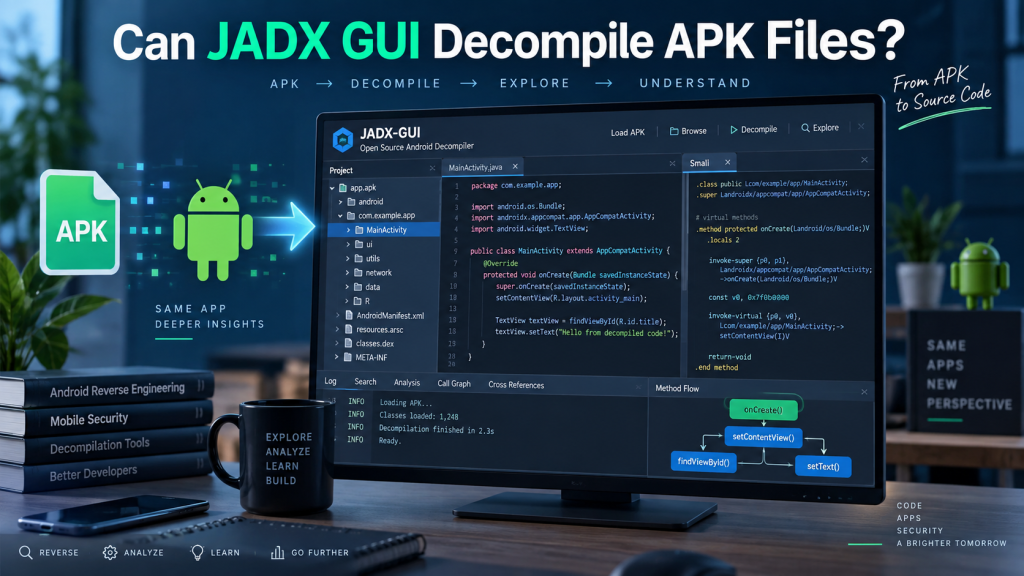
JADX GUI is a popular reverse-engineering tool designed to help developers, security researchers, and Android enthusiasts inspect Android application packages. Its graphical interface makes examining application code much easier than working entirely through command-line tools.
A common question among beginners is whether JADX GUI can decompile APK files. The answer is yes. JADX GUI can open APK files and convert much of their compiled Android bytecode into readable Java-like source code. However, decompilation has technical limitations, so the recovered code may not always match the application’s original source perfectly.
Read More: How Do I Install JADX GUI on Windows?
What Is JADX GUI?
JADX GUI is the graphical version of JADX, an open-source Android decompiler. It analyzes Android application files and presents their internal structure through an easy-to-navigate interface.
JADX can work with several Android-related formats, including:
- APK files
- DEX files
- JAR files
- AAB-related content in supported workflows
- ZIP archives containing Android application data
The GUI makes it possible to browse packages, classes, methods, resources, and other application components without relying heavily on command-line commands.
Can JADX GUI Decompile APK Files?
Yes, JADX GUI can decompile APK files. When an APK is opened, JADX analyzes the application’s DEX bytecode and attempts to reconstruct readable Java-style source code.
Android applications are normally compiled before distribution. This means an APK generally does not contain the developer’s original Java or Kotlin project files. Instead, it contains compiled DEX files that Android devices execute.
JADX works backward from this compiled code and produces a readable representation that developers can inspect.
How JADX GUI Decompiles an APK
The basic decompilation process is straightforward.
- Download JADX from its trusted official project source.
- Extract or install the downloaded package as required.
- Launch the JADX GUI application.
- Select File and choose the APK you want to inspect.
- Wait while JADX analyzes the APK and converts its DEX code.
- Browse packages, classes, methods, resources, and reconstructed source code inside the interface.
- Export the decompiled project when further offline analysis is required.
Processing time depends on APK size, application complexity, system performance, and the amount of code contained inside the package.
What Information Can JADX GUI Extract?
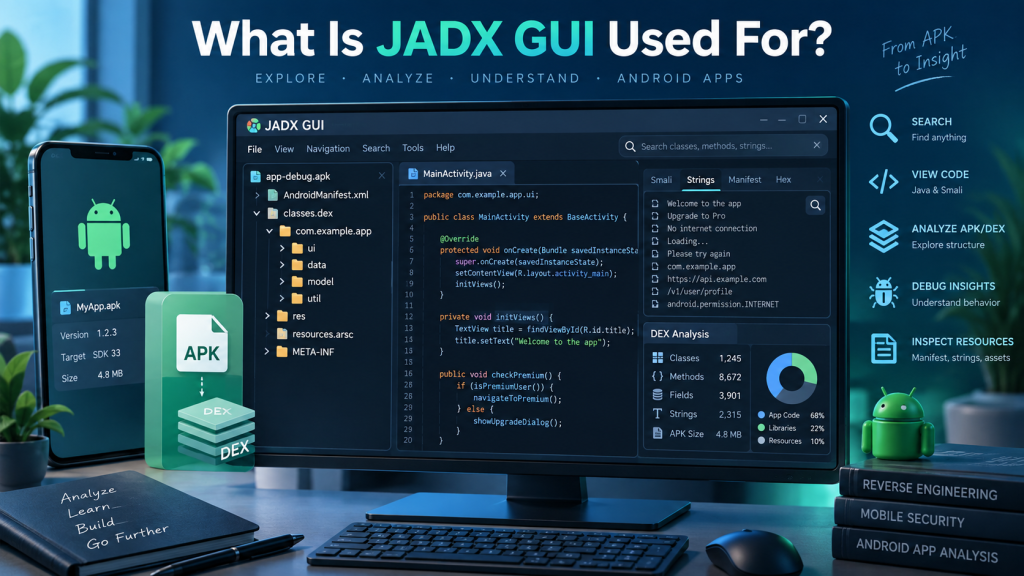
JADX GUI can reveal a considerable amount of useful information from many APK files. Developers often use it to study application logic, understand old applications, investigate compatibility problems, or perform authorized security analysis.
Commonly accessible information includes:
- Java-like source code reconstructed from DEX files
- Application package structure
- AndroidManifest.xml information
- Classes and methods
- Strings and constants
- Resource references
- Application permissions
- Selected XML resources
- References between classes and methods
The exact amount of readable information depends heavily on how the APK was originally compiled and protected.
Does JADX Recover Original Java Code?
Not exactly.
JADX attempts to reconstruct readable Java code from Android bytecode, but decompiled output should not be considered identical to the developer’s original project.
Compilation can remove or change information from the original source. Variable names, comments, formatting, project organization, and certain language features may not survive compilation.
As a result, JADX generates its best interpretation of the compiled bytecode rather than restoring an exact copy of the original source.
Can JADX GUI Decompile Kotlin APKs?
JADX can analyze APK files created using Kotlin because Kotlin Android applications are also compiled into bytecode that eventually becomes DEX content.
However, reconstructed Kotlin applications may appear as Java-like code rather than clean original Kotlin source. Some Kotlin-specific constructs can also make the output more difficult to understand.
Features involving coroutines, synthetic classes, lambdas, inline functions, or compiler-generated code may produce particularly complicated decompiled results.
JADX GUI Limitations
JADX is powerful, but users should understand its limitations.
Obfuscation is one of the biggest challenges. Android developers may use tools such as R8 or ProGuard to rename classes, methods, and variables. A meaningful class name might therefore appear as something similar to a, b, or c after decompilation.
JADX may also struggle with heavily optimized applications, unusual bytecode patterns, encrypted components, dynamically loaded code, or protection systems specifically designed to resist reverse engineering.
Sometimes the program displays warnings such as inconsistent code or failed method decompilation. These messages do not necessarily mean the entire APK cannot be inspected. Other classes and resources may still remain readable.
JADX GUI Versus APK Extraction
Decompiling and extracting an APK are different processes.
Extraction simply opens the APK archive and reveals files stored inside it. Since APK packages are based on ZIP structures, many archive utilities can display their contents.
Decompilation goes further. JADX analyzes compiled DEX bytecode and attempts to reconstruct human-readable programming logic.
Therefore, someone interested only in images, resources, or raw package files may not need a full decompiler. Someone investigating application code will generally benefit more from JADX.
Can JADX GUI Edit an APK?
JADX is primarily a decompiler and code-analysis tool rather than a complete APK editing environment.
You can inspect code and resources, search through classes, and export decompiled content, but modifying that exported Java code does not automatically rebuild a working APK.
Rebuilding modified Android packages usually requires additional tools and knowledge involving APK compilation, resource processing, signing, and application integrity.
Is JADX GUI Safe?
JADX itself is widely used for legitimate Android development and security research. Safety largely depends on where the program is downloaded and which APK files are being examined.
Use a trusted source for JADX and avoid unofficial installers that package unknown software.
APK files from unknown sources should also be treated carefully. Even though simply examining a file is different from installing it, suspicious files should still be handled using proper security precautions.
Legal Considerations When Decompiling APK Files
The ability to decompile an APK does not automatically mean every application can legally be reverse engineered for every purpose.
Developers can generally inspect their own applications, perform authorized security research, study permitted open-source software, or analyze applications when they have appropriate permission.
Copyright laws, software licenses, contracts, and local regulations may restrict reverse engineering of third-party applications. Users should confirm that they have the necessary rights before analyzing proprietary software.
Why Developers Use JADX GUI
Developers often use JADX when the original source code is unavailable or when they need to understand how compiled Android software behaves.
It can assist with debugging legacy applications, examining third-party libraries, identifying application permissions, understanding API interactions, researching malware samples in controlled environments, or reviewing applications during authorized security assessments.
Its searchable graphical interface is particularly useful when dealing with large APK files containing thousands of classes.
JADX GUI or Command-Line JADX
Both versions rely on the same general JADX decompilation technology, but they serve slightly different workflows.
JADX GUI is usually better for interactive investigation because users can click through packages and classes while searching for specific methods or strings.
The command-line version is often preferable for automation, batch processing, scripting, or exporting large numbers of files without manual interaction.
Beginners generally find JADX GUI easier because it provides a visual structure for exploring an APK.
Conclusion
JADX GUI can decompile APK files and convert much of their compiled Android bytecode into readable Java-like source code. It also provides access to classes, methods, resources, application permissions, and package structures through a convenient graphical interface.
However, decompilation does not recreate the exact original project. Obfuscation, compiler optimizations, Kotlin features, encryption, and application protection techniques can reduce code readability. For legitimate Android development, troubleshooting, education, and authorized security research, JADX GUI remains a practical and powerful APK analysis tool.
Pingback: Does JADX GUI Support Java Source Code?